Home · Industries · Kiosk & POS
Industry Route · Kiosk & POS
Terminals that know their peripherals — and recover on their own
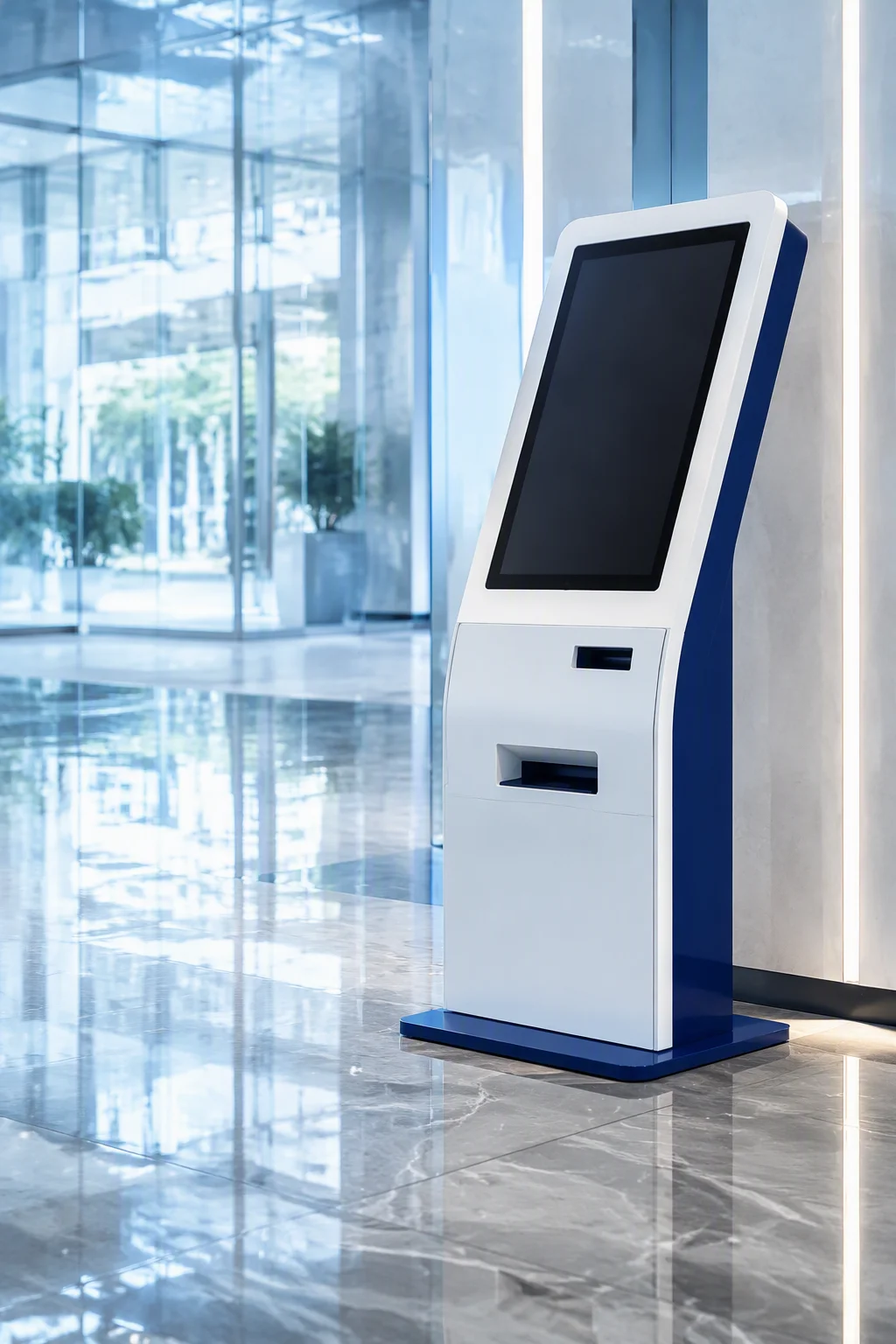
A kiosk is judged by what hangs off it: receipt printer, card reader, scanner, cash drawer — some still speaking LPT or PS/2. The board must carry every protocol, ride the store’s power, and come back to the same application state without a field visit.
LPT + PS/2 + 6 COM · WATCHDOG 0–255 S · DC 12–24V · NANO-ITX 120×120
At The Retail Edge
Four things a terminal does differently
- Peripheral stack: the TOP600B keeps LPT 2×13-pin, PS/2 and six COM on headers — receipt printers, scales and card readers connect without protocol converters.
- Self-recovery: the TOP600B ships a 0–255 s watchdog and AT/ATX power modes — a hung payment station power-cycles itself instead of waiting for a technician.
- Wide-enough power: the ITX660B accepts DC 12–24V at 120W+ — tolerance for the long, thin cabling of real storefronts and mixed AC/DC installations.
- Small enclosures: the AD600NA at 120×120 mm fits slim kiosk bodies, with 2× HDMI 4K, DP 8K and Type-C driving touch panels and secondary displays.
Recommended Models
Three boards for a terminal fleet
Every field below is stated on the model page — headers, power ranges and footprints are quoted as published.
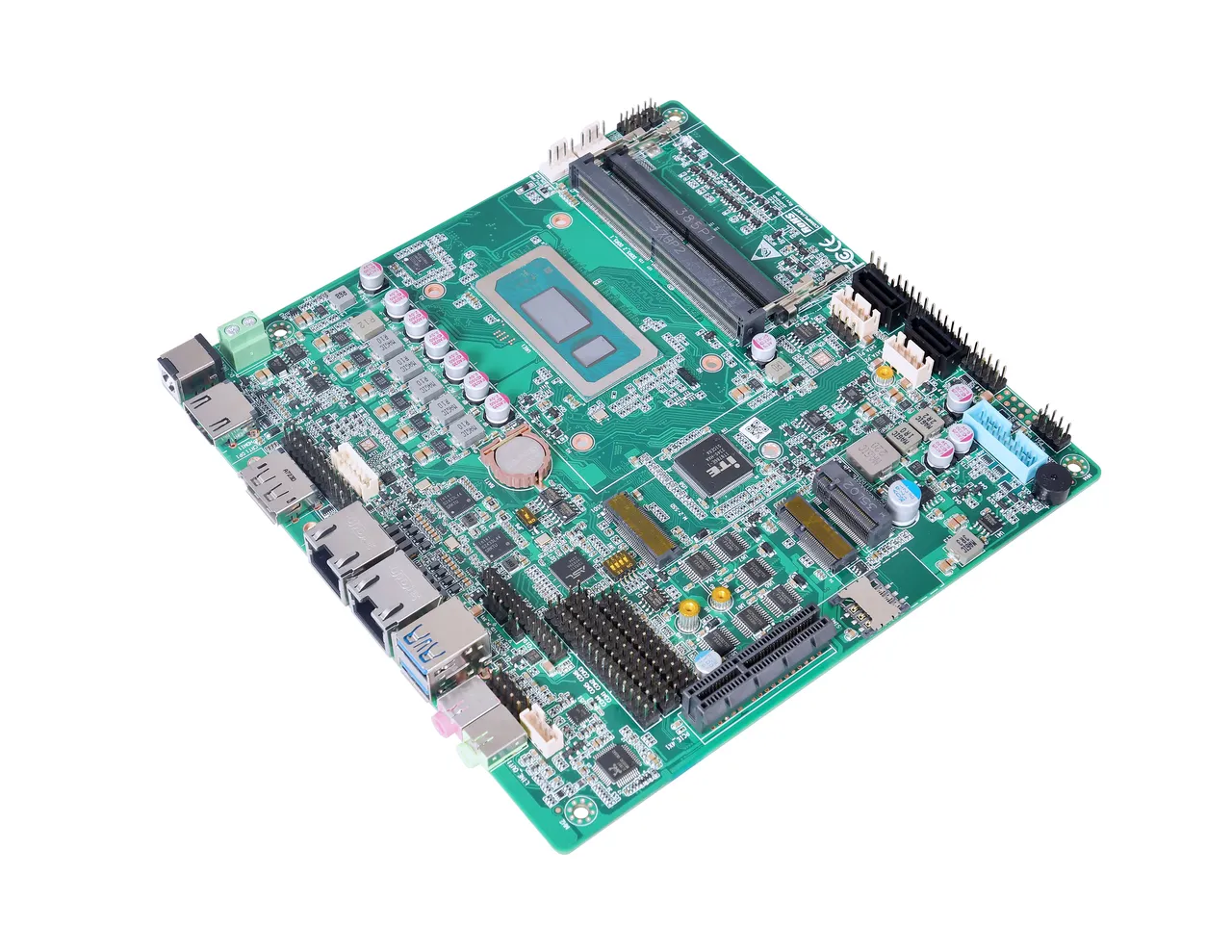
TOP600B
Alder / Raptor Lake · 28W
LPT, PS/2, six COM, watchdog 0–255 s, dual i226 2.5G, B-Key 4G/5G.
Why: LPT/PS/2 headers plus watchdog cover legacy receipt printers and unattended self-recovery.
View →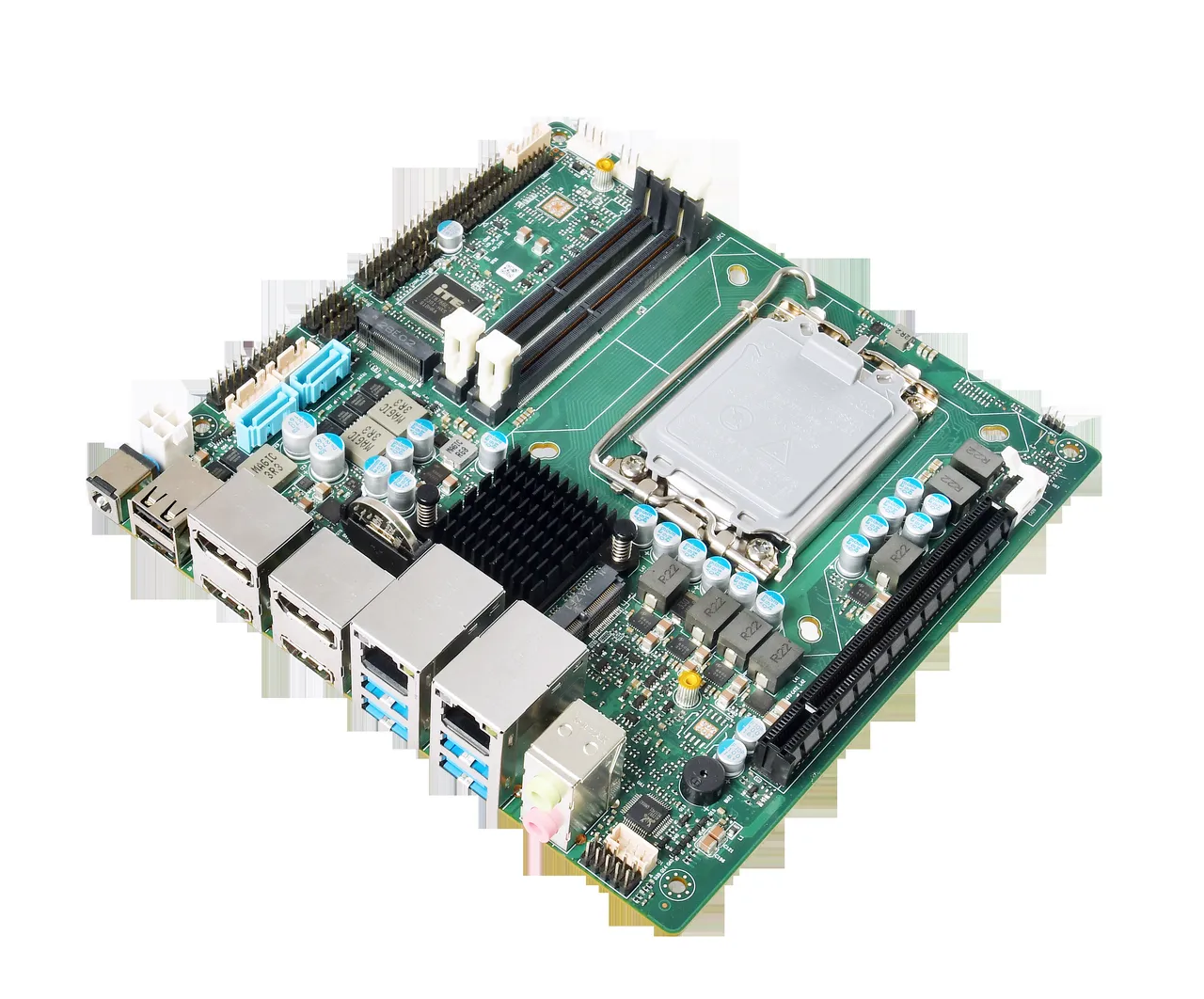
ITX660B
LGA1700 · 12th–14th Gen
2× HDMI 2.1 4K + 2× DP 8K, four COM, PCIe x16, DC 12–24V 120W.
Why: DC 12–24V rides storefront power runs; quad display covers order screens and menu walls.
View →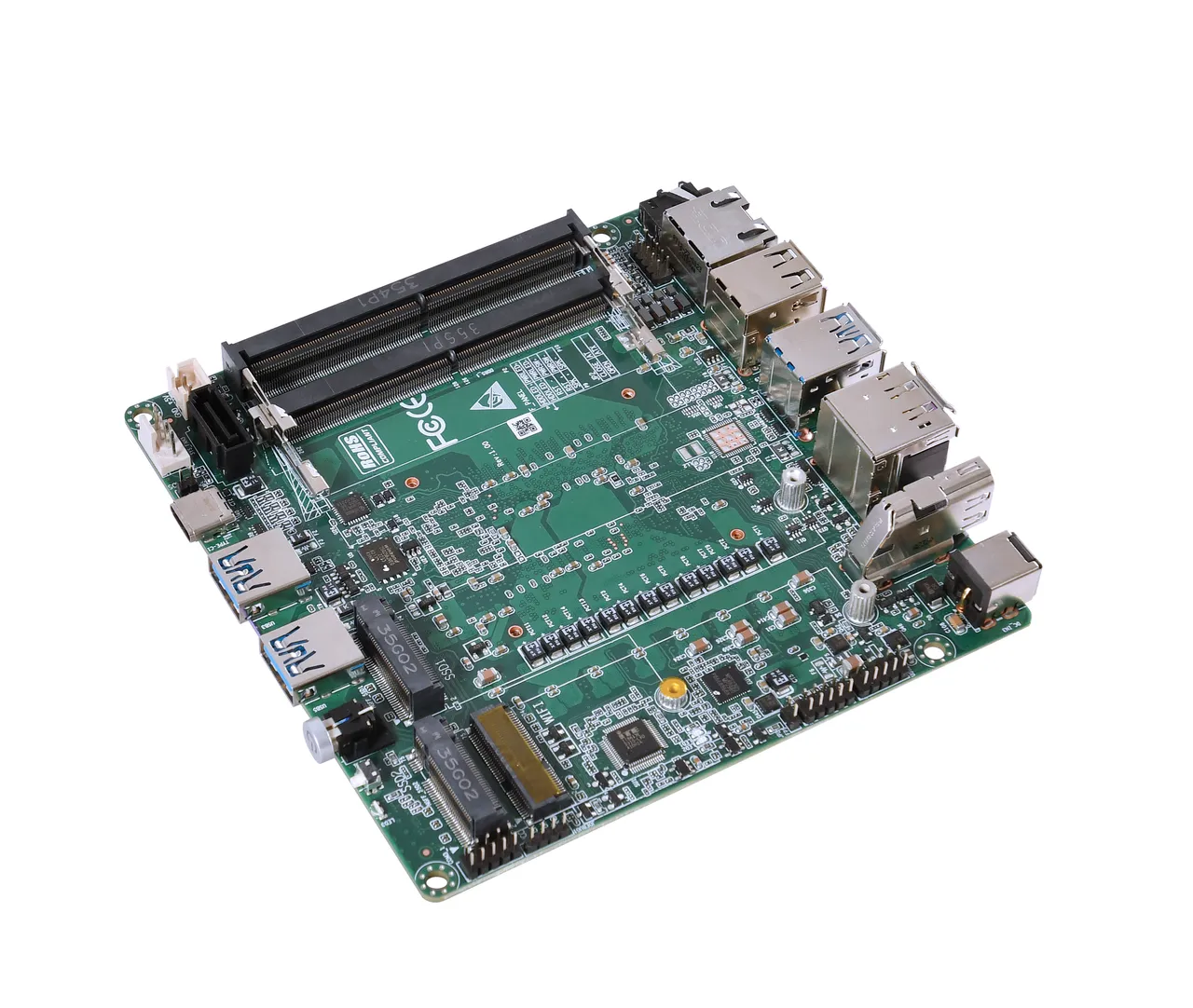
AD600NA
Alder Lake · 28W
120×120 NANO-ITX, 2× HDMI 4K + DP 8K + Type-C, dual M.2 NVMe, DC 12–19V.
Why: compact 120×120 footprint with 8K-capable output fits slim kiosk bodies and panel mounts.
View →Deployment Flow
From peripheral list to running fleet
Four steps we walk with integrators on every kiosk or POS roll-out.
Peripheral map
List every device — printer, reader, scanner, drawer, camera — with its interface: LPT, PS/2, COM or USB.
Board match
Pick the model whose headers carry each protocol; confirm CPU, memory and panel output at order time.
Fleet hardening
Watchdog, AT/ATX auto-boot, one DC brick class per model — burn-in tested before the batch ships.
Deploy & service
Configured per station; remote service plan over the board’s management and connectivity options.
Questions
Kiosk & POS, answered
The TOP600B keeps an LPT 2×13-pin header, PS/2 and six COM ports on board — legacy printers, scales and readers connect without protocol converters.
The TOP600B carries a 0–255 s watchdog plus AT/ATX power modes, so a hung payment station power-cycles itself and boots back to the application without a technician.
The AD600NA measures 120×120 mm and drives 2× HDMI 4K, DP 8K and Type-C — touch panels and secondary displays in compact kiosk bodies.
Model Matrix
Boards matched to kiosk pos
Models whose published application notes and interface set fit this workload — pulled from the GEOLiNK specification sheets, with the CPU, panel output and power input that matter for the selection.
| Model | CPU | Display | Power |
|---|---|---|---|
| AD30NU | On-board Intel Alder Lake-N series Default N100, TDP 6W (optional N305, TDP 15W) UEFI boot support | 1 × HDMI 2.0, 4096×2160@60Hz (vertical connector) 1 × DP, 4096×2160@60Hz (vertical connector) | DC 12–19V, 30W |
| AD742A | Onboard Intel Alder Lake-N series / Intel Twin Lake-N150 series Optional N100 / N305 / N150, with fan [optiona | 1 × HD2.0, 4K@60Hz 1 × LVDS/eDP (LVDS/eDP optional) | Standard input: DC 12V, 60W |
| FTEQ20A | Phytium Tenglong E2000Q, 4-core: 2 × FTC664 + 2 × FTC310 Phytium UEFI BIOS | 1 × HDMI, max resolution 1920×1080@60Hz 1 × EDP (single channel), max resolution 1920×1080@60Hz 1 × LVDS, up t | DC 12V, 15W DC_IN2 4-PIN / ATX power supply connector Watchdog timer, 255 levels (Watch Dog) |
| HK800CA | **Onboard AMD Ryzen AI 9 365** BIOS: EFI BIOS | 2 × HDMI2.0, supporting 3840 × 2160 @ 60 Hz 1 × Type-C, supporting 3840 × 2160 @ 60 Hz and USB3.0 | Input: **DC 12-19V** Power: **90W or above** |
| RP7003AW | **CPU**: Intel Core 12th/13th Generation -U/-P series **BIOS**: EFI BIOS | **Interfaces**: 1 × DP 1.4; 1 × HDMI 2.0; 2 × Type-C **Optional**: 1 × LVDS / EDP (optional) | **Input**: DC 9-36V **Power rating**: 120W |
| TOP600B | Onboard Intel 12th Gen Alder Lake-U/-P, 13th Gen Raptor Lake-U/-P series processors, TDP 28W Available SKUs: i | 1 x HDMI2.0, 4K@60Hz 1 x VGA / DP1.4 (4K@60Hz), selectable (either/or); JVGA pin header with the same function | DC 12-19V, 90W and above (determined by the specific application environment) |
| TOP800B | Onboard 1st-generation Intel Ultra (Arrow Lake / Meteor Lake) series processor, TDP 28W UEFI BIOS Supported CP | 1 × HDMI 2.1, 8K@60Hz 1 × HDMI 2.0, 4K@60Hz 1 × VGA/DP (4K@60Hz); VGA does not support 4K, VGA & DP select | DC 12–19V, 90W and above (determined by the specific use environment) |

Get A Quote
Peripherals, power and a watchdog — that is a terminal.
Send the peripheral list and the panel size — we’ll map every protocol to a board within 24–48 hours.